Model-Based Design Using MATLAB and Simulink Overview
Servotech is a leader in embedded software tools, offering advanced solutions that integrate seamlessly with hardware to optimize performance and efficiency. Our tools are engineered to support industries like automotive, industrial automation, and consumer electronics, delivering reliable, high-quality software tailored to meet specific needs. Discover how our innovative embedded solutions can enhance your technology and drive success in a connected, fast-paced world.
Model-Based Design (MBD) using MATLAB and Simulink is a transformative engineering methodology that leverages graphical modeling, simulation, and code generation to design and validate complex systems. Widely adopted in industries like automotive, aerospace, and robotics, MBD streamlines development by replacing physical prototyping with virtual models. MATLAB provides powerful computational tools, while Simulink offers a block-diagram environment for dynamic system simulation. This 800-word overview explores the principles, applications, benefits, challenges, and future trends of MBD using MATLAB and Simulink.
Principles of Model-Based Design with MATLAB and Simulink
MBD with MATLAB and Simulink follows a structured workflow to design and validate systems:
System Modeling: Simulink’s graphical interface allows engineers to create block-diagram models representing system dynamics, such as mechanical, electrical, or control systems. MATLAB scripts enhance model customization and parameter tuning.
Simulation and Analysis: Simulink simulates models under various conditions, analyzing responses like stability, performance, or energy efficiency. MATLAB’s computational capabilities support data analysis and visualization, refining model accuracy.
Automatic Code Generation: Tools like Simulink Coder and Embedded Coder generate C, C++, or HDL code directly from models, ensuring consistency between design and implementation on embedded hardware.
Verification and Validation: MBD supports automated testing, including Software-in-the-Loop (SIL) and Hardware-in-the-Loop (HIL), to verify system behavior against requirements, ensuring compliance with standards like ISO 26262.
Hardware Integration: Simulink interfaces with hardware platforms like microcontrollers or FPGAs, enabling real-time testing and deployment of control algorithms.
Iterative Refinement: MBD’s iterative approach uses simulation results to refine models, optimizing designs before physical implementation, reducing errors and development time.
Applications of MBD with MATLAB and Simulink
MBD using MATLAB and Simulink is applied across diverse industries:
Automotive: MBD designs engine control units (ECUs), advanced driver-assistance systems (ADAS), and electric vehicle powertrains. Simulink simulates vehicle dynamics, while MATLAB optimizes control algorithms for fuel efficiency and safety.
Aerospace: It develops flight control systems, avionics, and satellite controllers. Simulink models aerodynamic behavior, and MATLAB ensures compliance with safety standards like DO-178C through rigorous testing.
Robotics: MBD creates control algorithms for robotic arms, drones, and autonomous vehicles. Simulink’s Robotics System Toolbox supports motion planning and sensor integration.
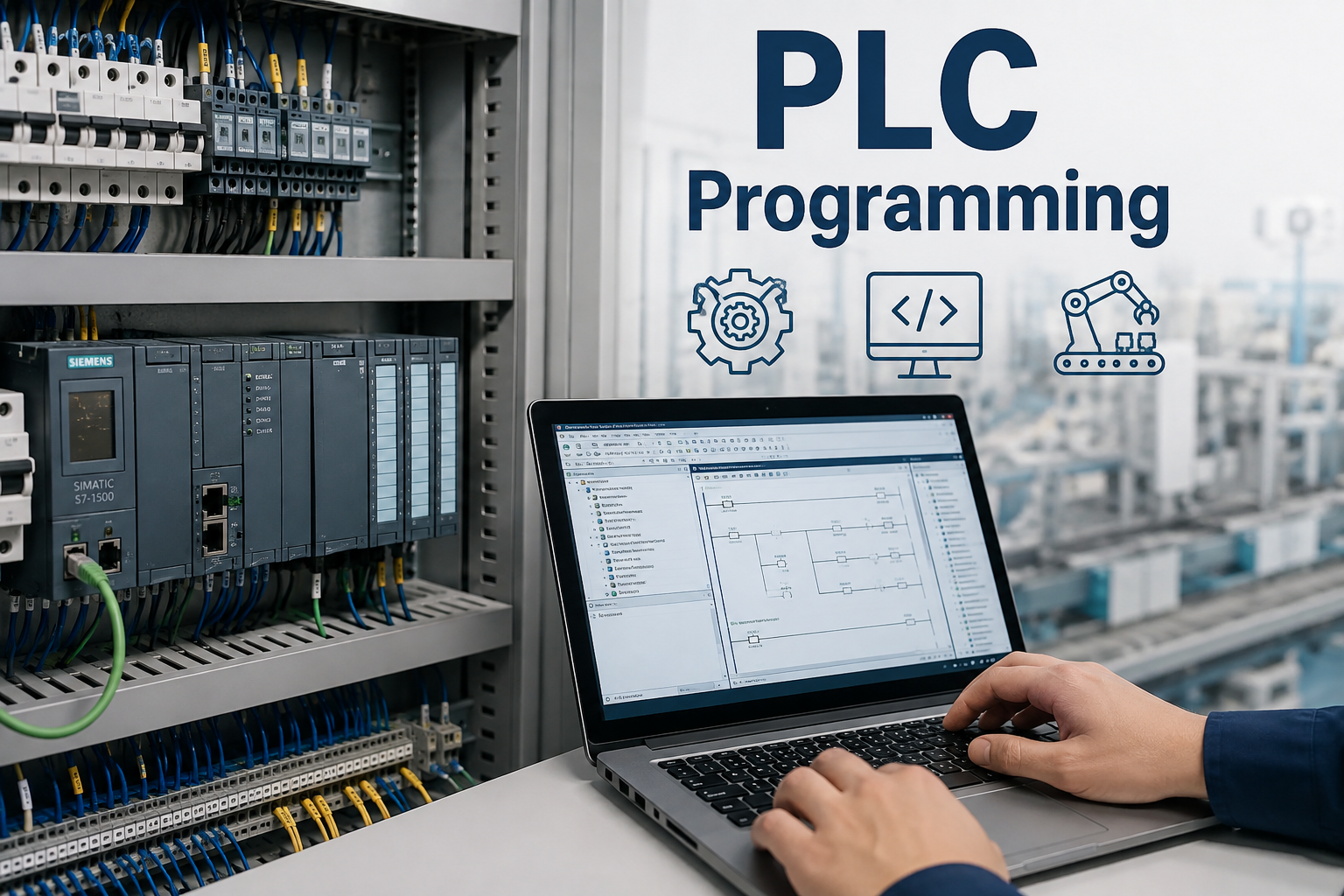
Industrial Automation: MATLAB and Simulink design programmable logic controllers (PLCs) and robotic systems, optimizing manufacturing processes and enabling predictive maintenance in smart factories.
Renewable Energy: MBD models wind turbines, solar inverters, and battery management systems, using Simulink to simulate energy flows and MATLAB to optimize grid integration.
Medical Devices: MBD validates control systems for devices like insulin pumps or ventilators, ensuring precision and safety through simulation and HIL testing.
Benefits of MBD with MATLAB and Simulink
MBD using MATLAB and Simulink offers significant advantages:
Reduced Development Time: Virtual prototyping in Simulink eliminates multiple physical prototypes, accelerating design iterations and reducing time-to-market by up to 30%, per industry studies.
Cost Efficiency: Simulation and automated code generation reduce hardware testing and manual coding costs, minimizing development expenses and material waste.
Enhanced Reliability: Early detection of design flaws through Simulink simulations ensures robust systems, reducing risks in safety-critical applications like automotive or aerospace.
Seamless Integration: MATLAB and Simulink’s unified environment supports cross-disciplinary collaboration, enabling mechanical, electrical, and software engineers to work cohesively.
Standards Compliance: Automated verification tools ensure compliance with standards like ISO 26262 (automotive) and DO-178C (aerospace), simplifying certification processes.
Scalability: MBD supports systems of varying complexity, from simple control loops to multidomain models, making it versatile for diverse projects.
Challenges in MBD Implementation
Despite its benefits, MBD with MATLAB and Simulink faces challenges:
High Initial Costs: Licenses for MATLAB, Simulink, and toolboxes like Embedded Coder are expensive, posing barriers for small organizations or startups.
Learning Curve: Mastering Simulink’s block-diagram interface and MATLAB scripting requires training, particularly for engineers new to model-based workflows.
Model Complexity: Developing high-fidelity models for complex systems, like autonomous vehicles, demands expertise in system dynamics and control theory, increasing development time.
Computational Demands: Simulating large models or real-time HIL testing requires powerful hardware, raising costs and potentially slowing processes.
Interoperability: Integrating MATLAB and Simulink with third-party tools or legacy systems can be complex, requiring custom interfaces or additional software.
Future Trends in MBD with MATLAB and Simulink
MBD is evolving to meet modern engineering demands:
AI and Machine Learning: MATLAB’s Deep Learning Toolbox integrates AI into Simulink models, enabling adaptive control and predictive maintenance for robotics and automotive systems.
Cloud-Based MBD: MATLAB Online and Simulink Online support remote simulation and collaboration, reducing hardware costs and enabling global team workflows.
Digital Twins: MBD creates digital twins for real-time monitoring and optimization, enhancing system lifecycle management in industries like manufacturing and energy.
Cybersecurity Testing: As embedded systems become connected, MBD will incorporate cybersecurity simulations to ensure resilience against cyberattacks.
Sustainability Focus: MATLAB and Simulink are optimizing energy-efficient designs, such as electric vehicles and renewable energy systems, aligning with global sustainability goals.
Conclusion
Model-Based Design using MATLAB and Simulink revolutionizes engineering by enabling virtual modeling, simulation, and validation of complex systems. Its graphical interface, robust toolboxes, and automated code generation streamline development, reduce costs, and ensure reliability in automotive, aerospace, and robotics applications. Despite challenges like high costs and model complexity, advancements in AI, cloud computing, and digital twins are expanding MBD’s capabilities. As industries demand smarter, safer, and more sustainable solutions, MATLAB and Simulink will remain indispensable, driving innovation and precision in system design.